Professional Template
Lumina Resume Template
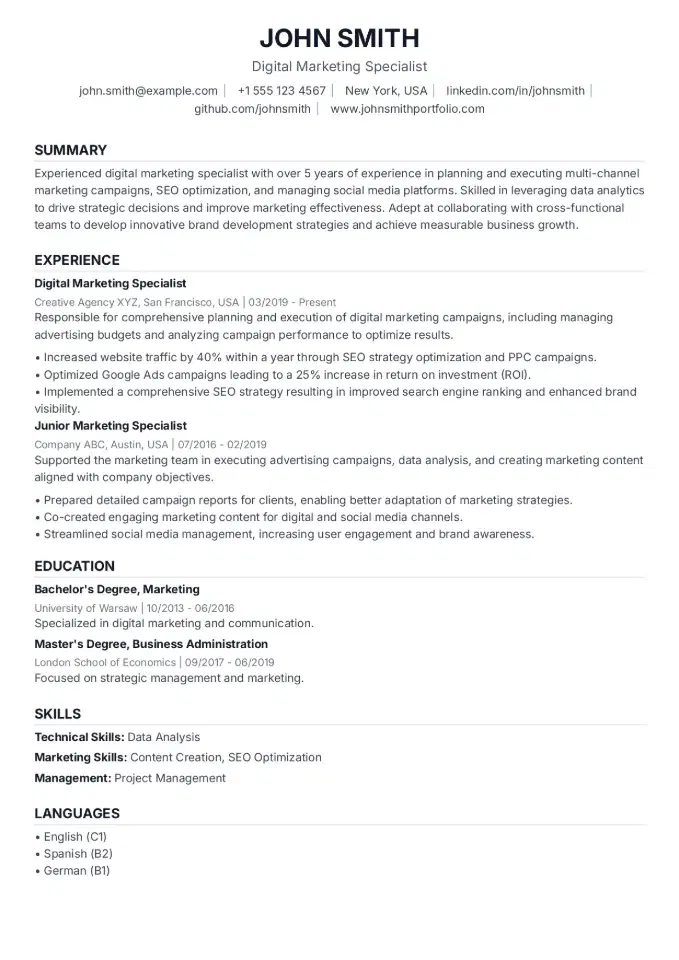
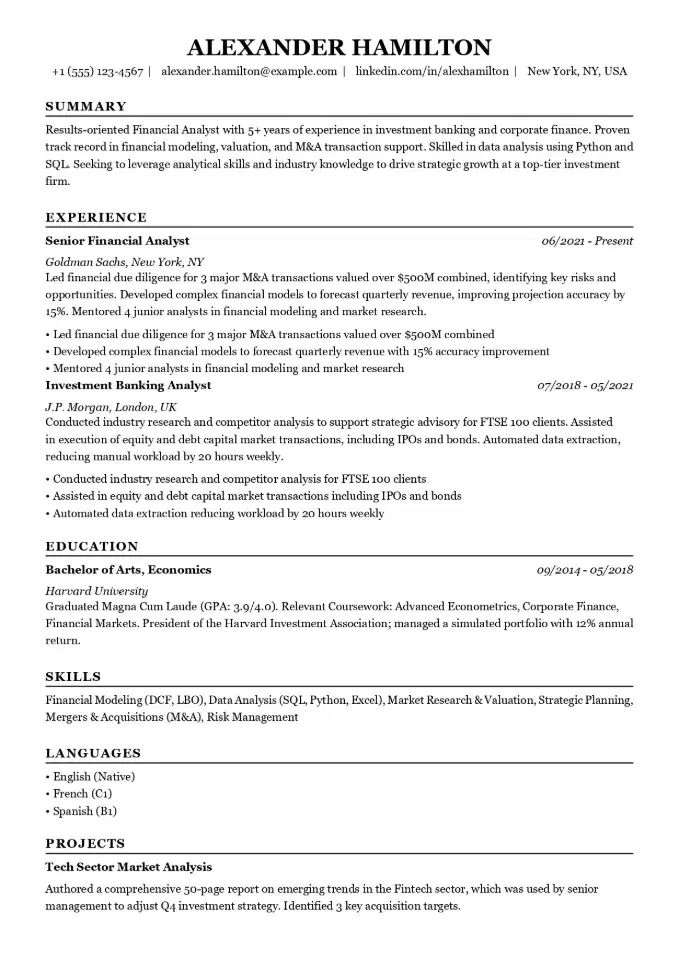
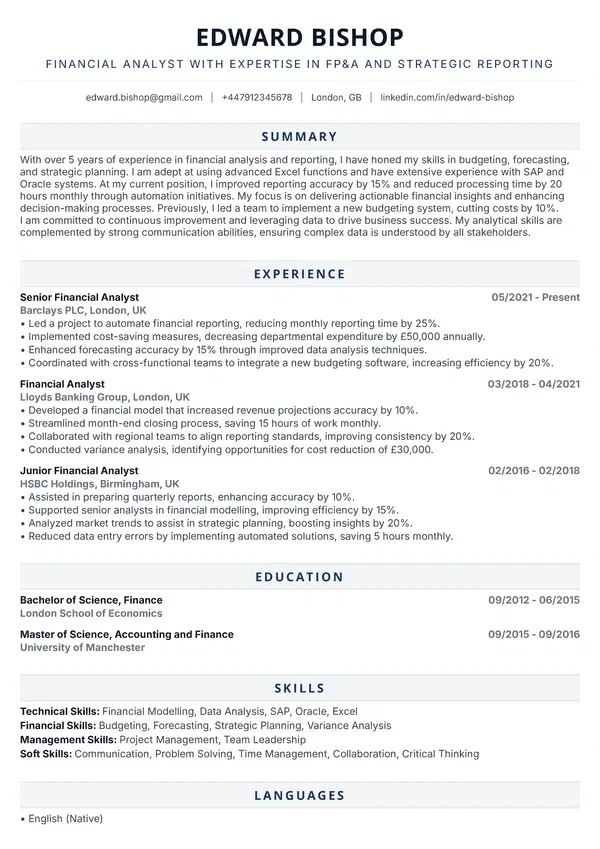
Ideal for strategists, marketers, consultants, product managers, and educators who want a resume that reads with precision. Best for mid-level and senior professionals who value a distinctive design over a generic layout.
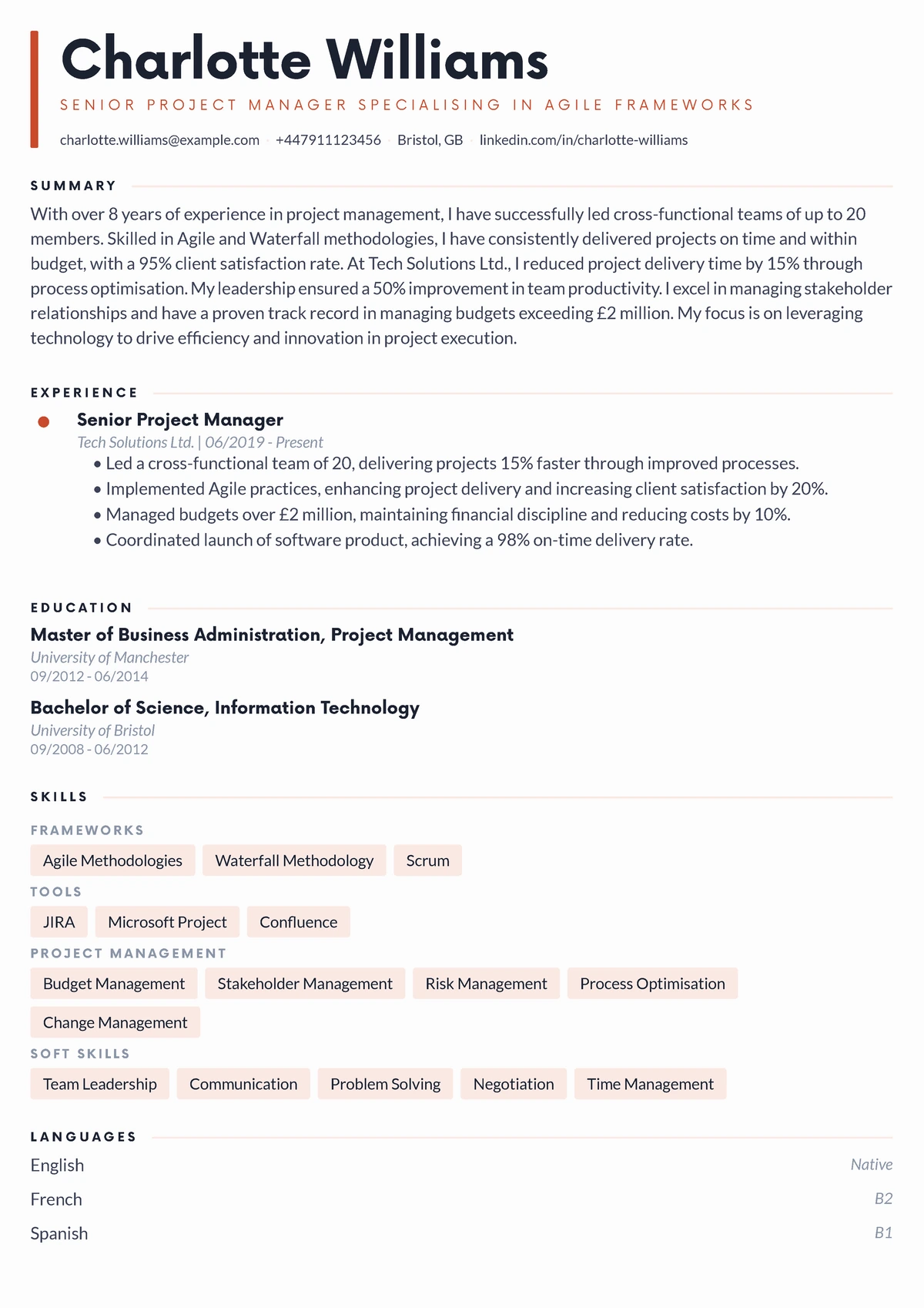
"The accent bar in the header immediately set my resume apart. It's clean and modern but still totally professional. Exactly what I needed."
- Thomas Reid, Senior Product Manager
WHY THIS TEMPLATE?
Designed for the US Job Market
Ideal for strategists, marketers, consultants, product managers, and educators who want a resume that reads with precision. Best for mid-level and senior professionals who value a distinctive design over a generic layout.
This professional resume template is designed to highlight your achievements and pass ATS scans. Its clean, reverse-chronological layout helps recruiters at top companies quickly see why you're a great fit. All templates are in US Letter format.
ATS-Ready
ATS-Friendly: Works with Workday, Greenhouse, and other applicant tracking systems.
US Letter Format
US Letter Format: The standard 8.5 x 11" size that US employers expect.
Perfect PDF Export
Perfect PDF: Looks professional on any screen, and prints perfectly every time.
Key Features
Key Features
Single Column
A straightforward, single-column layout that's highly readable and ATS-friendly.
templates.featureKeys.editorial
templates.featureKeys.editorial_desc
templates.featureKeys.geometric-type
templates.featureKeys.geometric-type_desc
Single Column
A simple, clean single-column layout that's easy for recruiters to scan.
Premium Fonts
Includes a selection of premium, high-quality fonts for a polished look.
Color Accents
Uses subtle color accents to guide the eye without being distracting.
Multi-page
Designed for resumes longer than one page.
3 SIMPLE STEPS
How It Works
1. Select Your Template
1. Choose this template and start editing in our builder.
2. Fill In Your Details
2. Fill in your experience, education, and skills.
3. Download Your PDF
3. Download your finished resume as a PDF and start applying for jobs.
Common Questions
DISCOVER MORE
You Might Also Like
Similar Templates