Professional template
Meridian CV Template
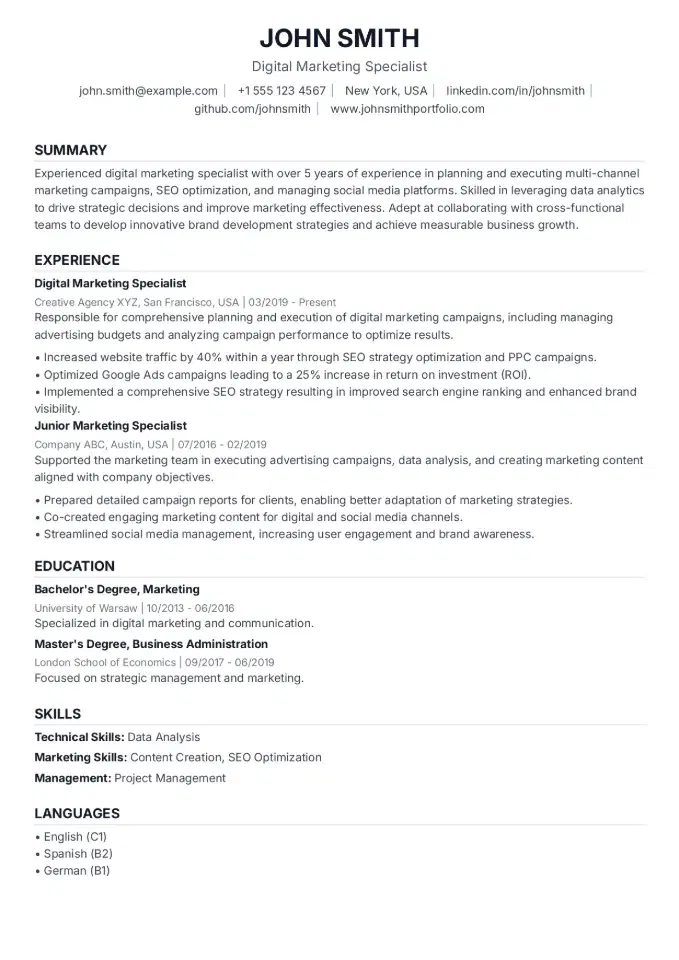
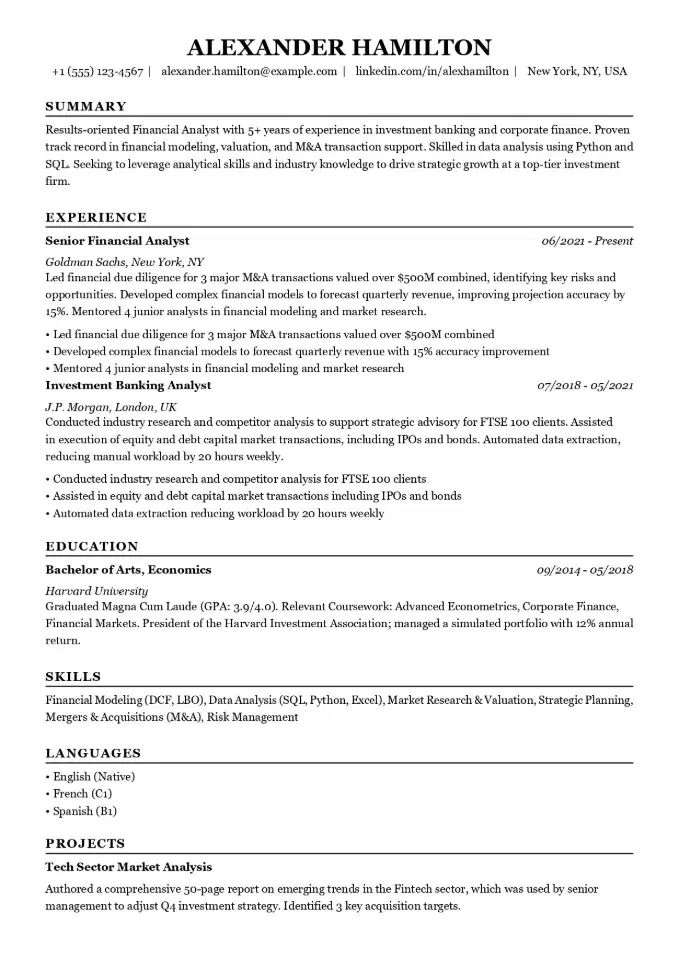
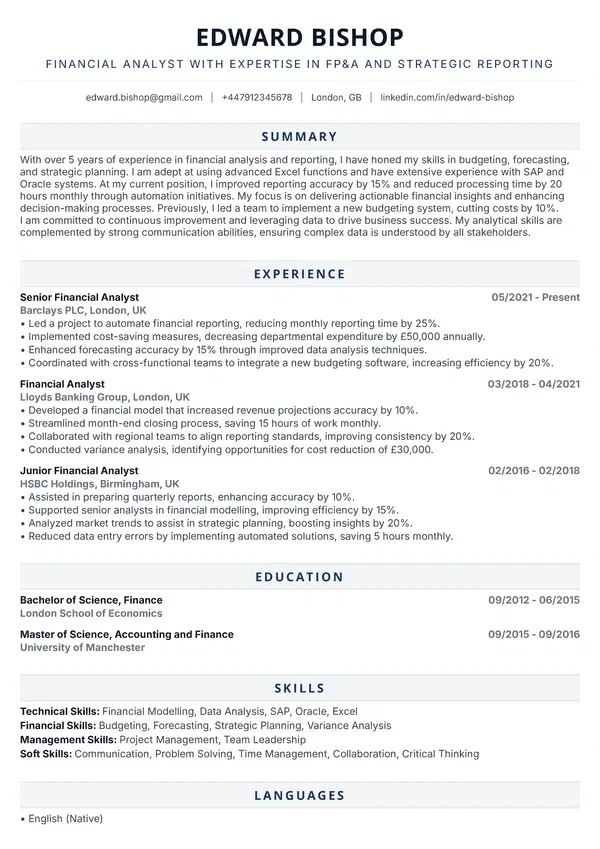
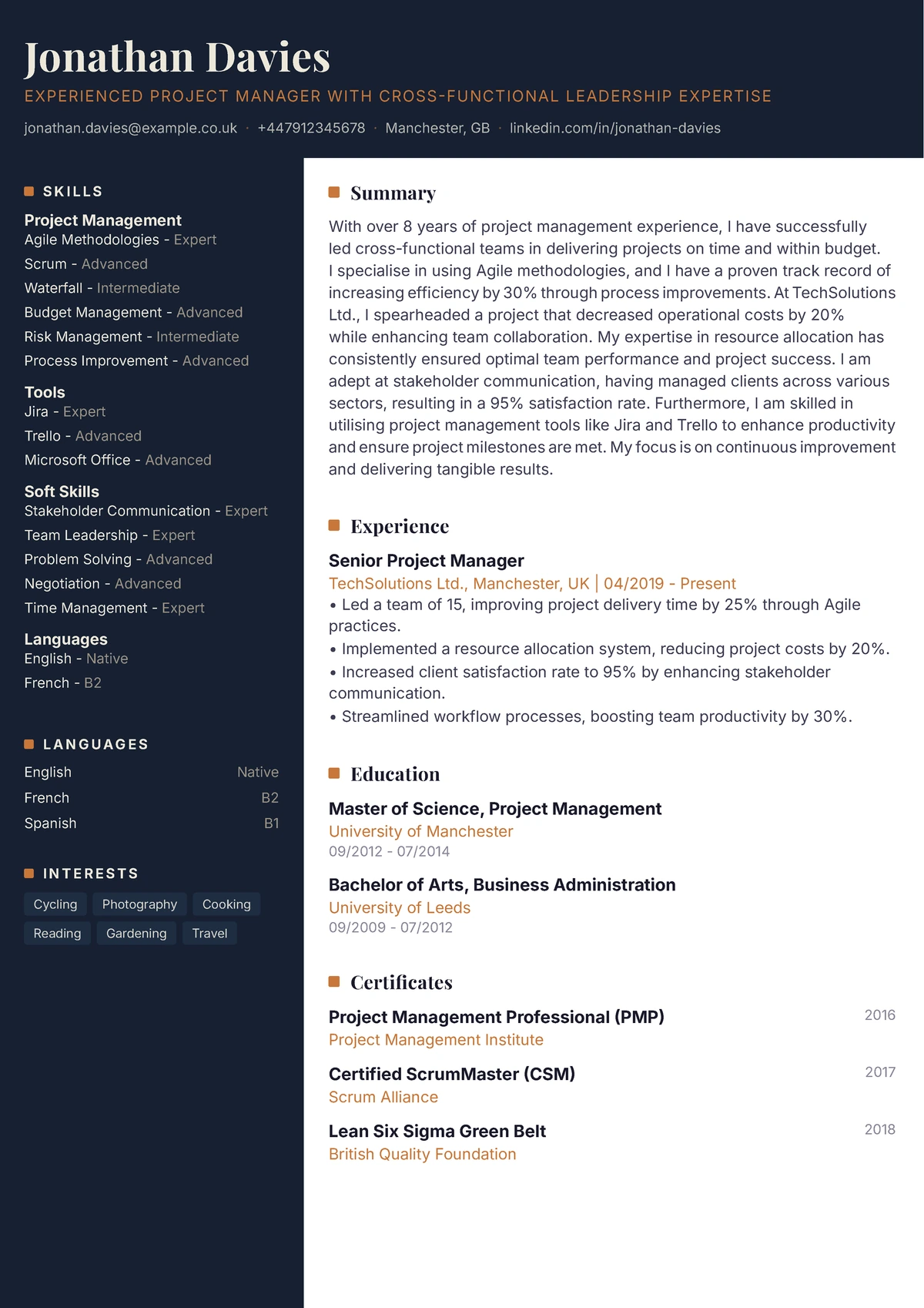
Premium two-column template for professionals in IT, marketing, finance and education who want strong visual identity. Best suited to mid-level and senior candidates where distinction matters as much as clarity.
"Completely changed how recruiters responded to my applications. The navy sidebar makes it instantly memorable - and the layout is still professional enough for any industry."
- Elena Brooks, Senior Marketing Manager
Why this template?
Designed to make your CV stand out
Premium two-column template for professionals in IT, marketing, finance and education who want strong visual identity. Best suited to mid-level and senior candidates where distinction matters as much as clarity.
This professional CV template is designed to highlight your unique strengths. A clear structure and modern design help you stand out from other candidates.
ATS-Friendly
Passes automated screening systems
Clean layout
Recruiters find key information in seconds
PDF ready to send
Professional PDF file maintaining layout on any device
Key Features
Everything you need in a professional CV
Two Column
Efficient two-column layout that balances content distribution
Dark sidebar
Dark sidebar that highlights contact details and key skills
templates.featureKeys.editorial
templates.featureKeys.editorial_desc
Modern Fonts
Contemporary, readable typography
Multi-page
Optimized for multi-page documents with comprehensive content
Two Column Layout
Efficient two-column layout with sidebar for key information and main area for detailed content
Premium Fonts
High-quality, exclusive font selections for professional appearance
Color Accents
Subtle color highlights that add visual interest without being distracting
Multi-page
Optimized for multi-page documents with comprehensive content
3 simple steps
How to use this template?
Choose template
Click 'Use this template' button and start editing.
Fill in details
Enter your experience, education, and skills in our builder.
Download PDF
Generate a ready-to-use CV in PDF format and send to the employer.
Frequently Asked Questions
Discover more
Similar Templates
Other templates you might like